Share a resource in a presentation.
Long addresses are awkward to read aloud and difficult to check before sharing. A short link gives a destination a compact, recognizable entry point.
Links
Turn a long web address into a manageable short link, then organize it in your SnappShort account.
Account features depend on current plans and permissions. Public demos use no account data.
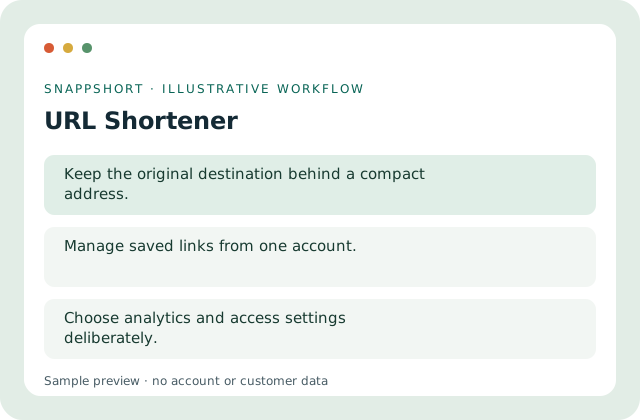
Long addresses are awkward to read aloud and difficult to check before sharing. A short link gives a destination a compact, recognizable entry point.
Safe interactive preview
The preview validates an address and shows a reserved .invalid example. It does not create a working redirect.
Enable JavaScript to use the interactive demo. No account is required.
Long addresses are awkward to read aloud and difficult to check before sharing. A short link gives a destination a compact, recognizable entry point.
Long addresses are awkward to read aloud and difficult to check before sharing. A short link gives a destination a compact, recognizable entry point.
Your account and workspace determine the available features and allowances. Check the live pricing page before choosing a plan; this demo grants no subscription entitlement.
Compare current plansTurn a long web address into a manageable short link, then organize it in your SnappShort account.
The preview validates an address and shows a reserved .invalid example. It does not create a working redirect.
Share a resource in a presentation. Make a printed address easier to type. Long addresses are awkward to read aloud and difficult to check before sharing. A short link gives a destination a compact, recognizable entry point.
Test the saved destination before sharing. Choose analytics and access settings deliberately.
Use these related tools when your next step needs a different format, destination or way to understand activity.
Links
Give a short link a readable alias so the shared address describes its purpose.
Use an intentional path instead of an opaque code.
Links
Create branded short links using a custom domain you own and verify. Learn the domain setup steps before sharing links.
Keep the hostname recognizable.
Links
Prepare multiple destinations together, validate rows and review per-row results rather than shortening each address manually.
Preview a bounded list of destinations.
Use url shortener with the controls available in your account.
Create your SnappShort account